 mousePDF
About mousePDF
mousePDF is a free tool for editing PDF files, right in your browser, without a file ever leaving your computer. There is no upload, no server storing your documents, no sign-up and no limits.
Why does mousePDF exist?
We all know the feeling: you just want to change something quickly in a PDF: fix a line of text, combine pages for a job application, sign a contract. Many PDF tools that offer the genuinely useful features cost money or require an account. On top of that, most free PDF tools online upload your file to a server. That means your data sits on a distant server you don't control, at a company you don't know. That is not only a privacy problem but often a speed problem too.
mousePDF takes a different approach: all the editing happens locally in your browser. Your PDF file is never sent to a server at any point. The tool uses proven open-source libraries (pdf.js for display, pdf-lib for writing) that run directly in the page, in your own local browser.
What can mousePDF do?
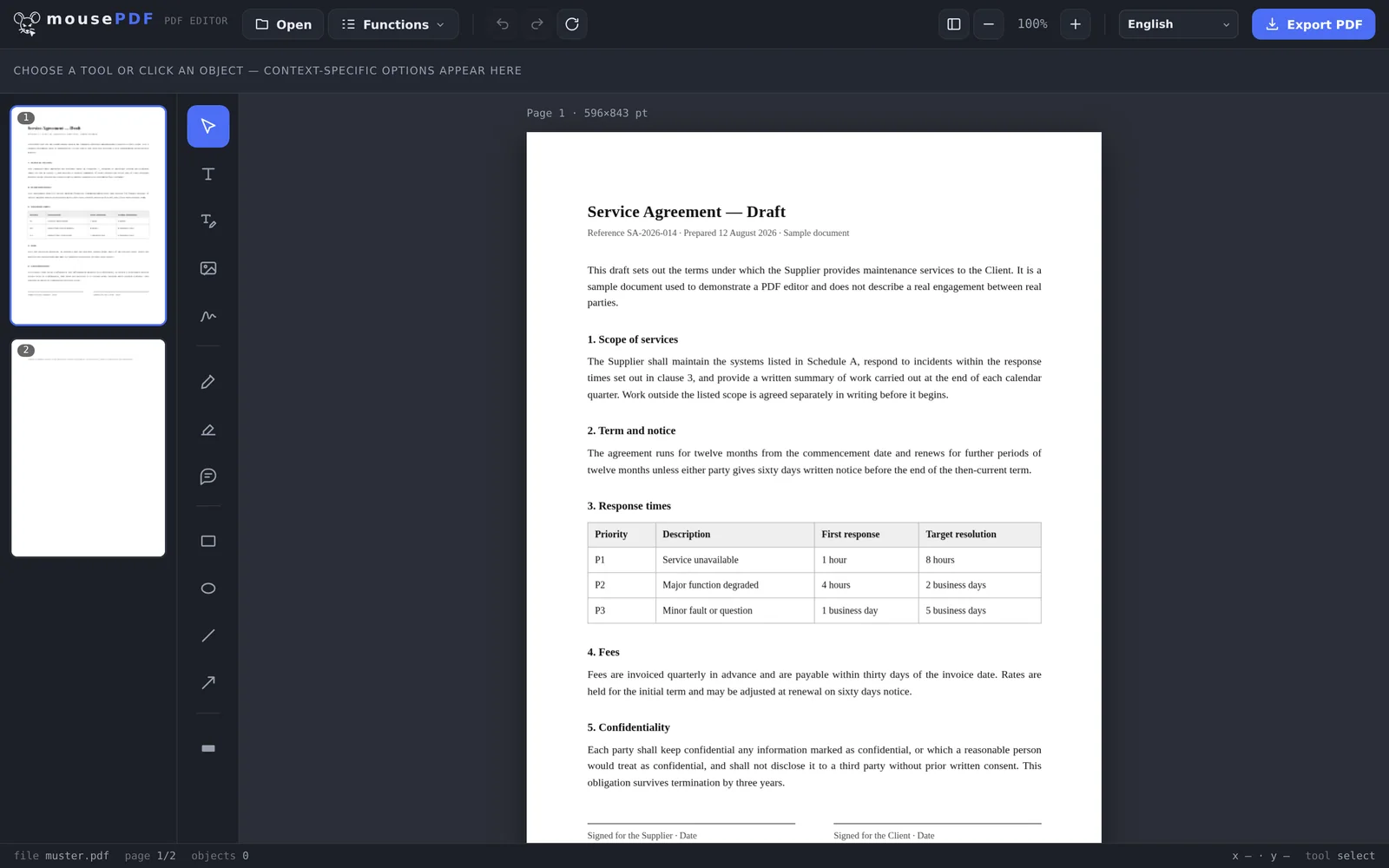
- Open a PDF and merge multiple documents
- Add text and replace existing PDF text
- Insert, freely position, and scale images
- Draw, highlight, and comment
- Sign a document (drawn or typed)
- Reorder, rotate, delete, and insert pages at a position
- Compress a PDF (only when it actually helps)
- Set and remove a password
- Convert PDF ⇄ Word and PDF → images
- Export without a watermark
- Available in 41 languages
What mousePDF cannot do
Every tool has an edge, and we would rather you found ours here than halfway through a task. These are measured limits, not disclaimers:
- Rewriting long passages of text. A PDF records where each character sits, not paragraphs that reflow. Correcting a date, a name or a wrong digit works well. Rewriting a whole paragraph is laborious, because nothing moves out of the way by itself. For bigger rewrites, converting to Word and back is usually quicker.
- Keeping edited pages searchable. A page you edit is flattened to an image on export, so the text you replaced genuinely leaves the file rather than hiding underneath a white box. The price is that this one page is no longer searchable. Pages you did not touch are untouched.
- Text recognition in non-Latin scripts. OCR covers 28 languages written in Latin script. Chinese, Japanese, Korean, Arabic, Hebrew, Hindi, Punjabi, Thai and Urdu are not offered, because the models are far larger and noticeably less accurate, and shipping them would mean promising a quality we cannot deliver.
- Very large documents on small devices. We impose no page or size limit, because there is no server to impose one. The real ceiling is your device's memory, and a phone will reach it sooner than a laptop.
How it is paid for
mousePDF is free, and every feature is free: no trial period, no subscription, no watermarks, no export limits. The site is funded by advertising. There are no ads inside the editor itself. If you would like to support the project directly, there is a voluntary donation on the export screen; it is genuinely voluntary, and skipping it changes nothing about what you get.
We do not sell data, and there is nothing to sell: your documents never reach us. Site analytics run on our own self-hosted installation rather than a third-party service, and set no cookies.
How it is built
mousePDF is a purely client-side application. There is no build step and no hidden server calls. Every library is hosted here rather than pulled from a CDN, and the Content Security Policy in the editor permits only our own analytics, so nothing else third-party can load at all. Once the page has loaded, it keeps working with the network switched off, which also makes it usable where connections are poor or metered.
If you want the long version, we have written up what building a PDF editor with no server actually costs and what happens when you password-protect a PDF, including the parts that were harder than expected and the one encryption limitation we do not paper over.
Languages
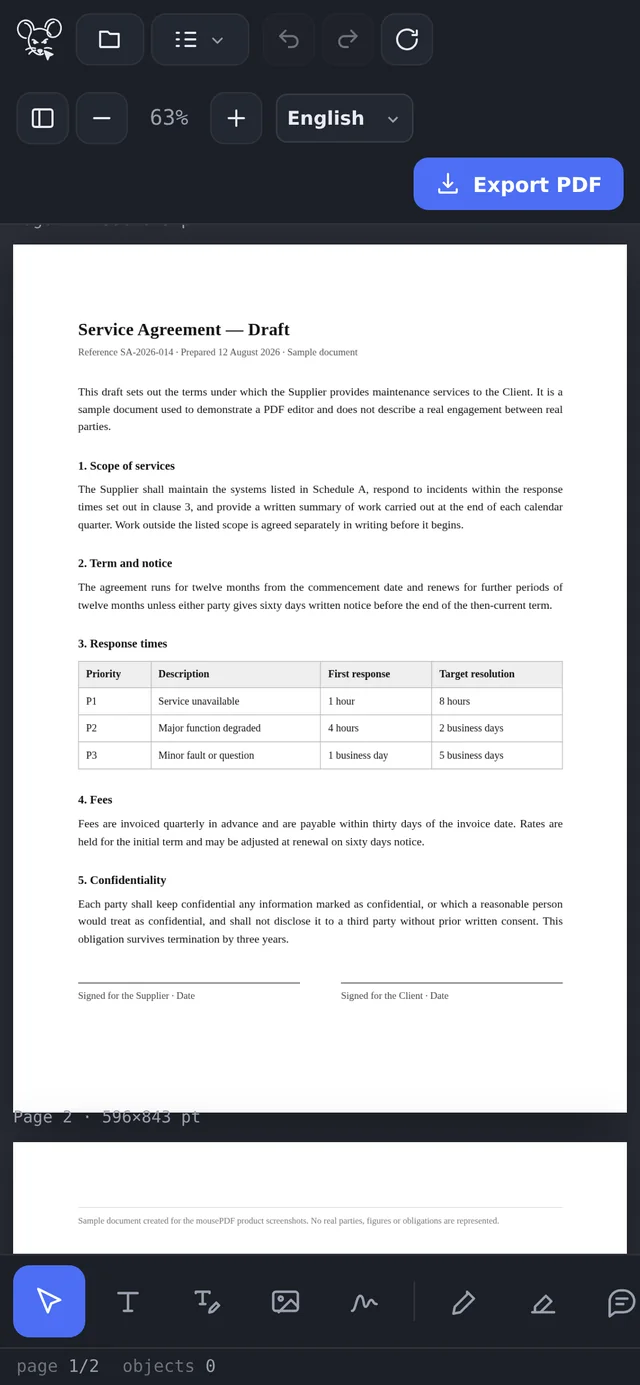
The editor interface is available in 41 languages. The site around it is written in English and German and translated into French, Spanish, Italian and Dutch; the remaining languages are available to read but not indexed by search engines, because we cannot vouch for translation quality we have not had reviewed by someone who speaks the language. We would rather be honest about that than pretend to a reach we do not have.