Add text, reorder pages, merge PDFs, sign, compress, and convert to Word, all locally in your browser. No sign-up, no login, no watermark.
Or choose a file to get started. Everything runs locally in your browser. Nothing is uploaded.
Choose fileNo tutorial needed. Everything stays in your browser, from opening to export.
Drag and drop a PDF into the menu, or pick one from your files. It loads locally right away, with no upload to a server.
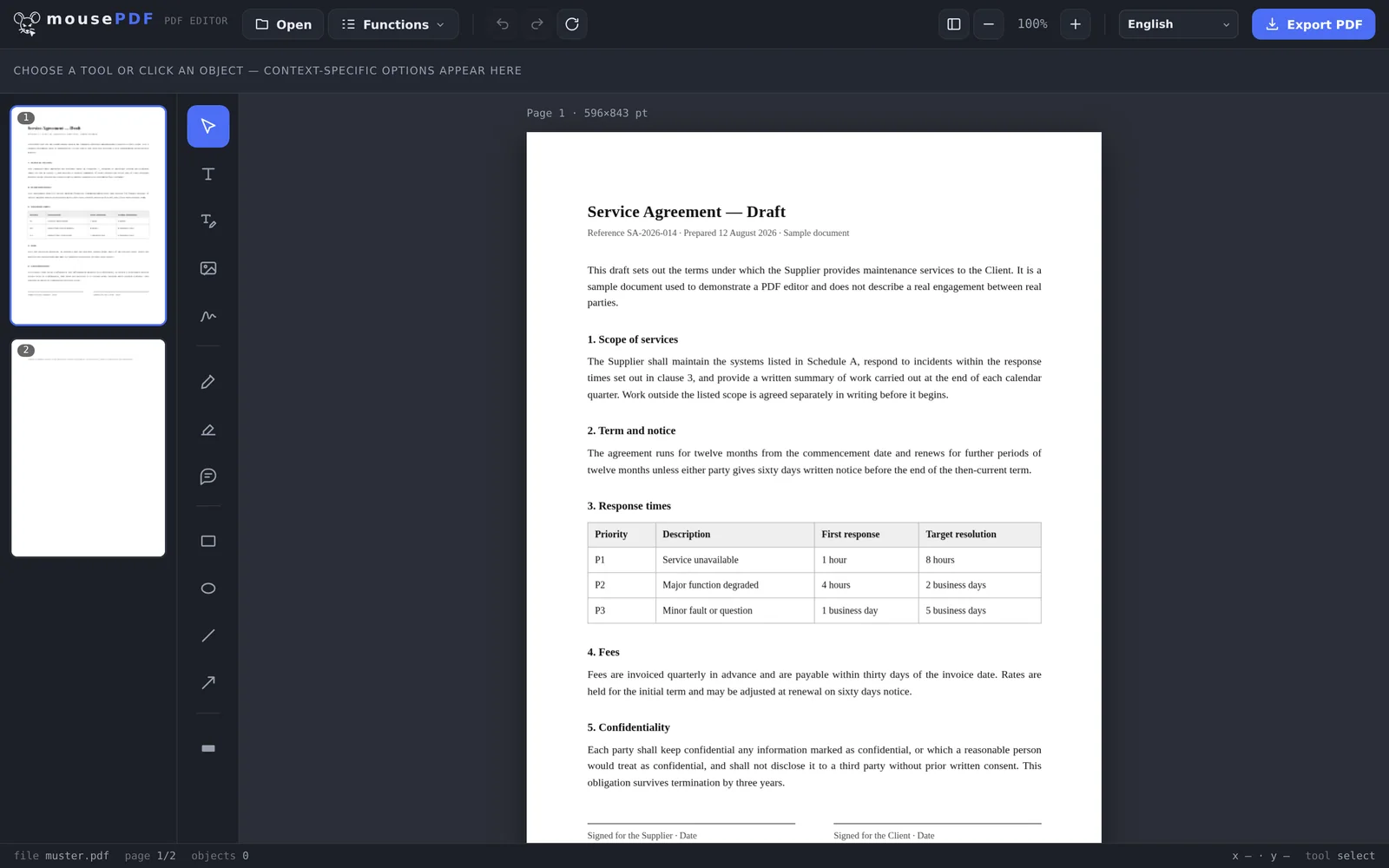
Add text and images, draw, reorder, rotate or delete pages, and sign your document.
Save the finished PDF directly. No watermark, no sign-up, no usage limits.
Everything in one editor, without clicking through paywalls or forced sign-up.
Place captions directly, or click on existing PDF text to replace it.
Freely position and scale logos, photos, or graphics.
Freehand, shapes, arrows and highlights. Comments become real PDF annotations.
Permanently cover confidential parts, flattened into an image when you save.
Place text anywhere, even without real form fields.
Draw a signature, type it or use a photo of it, then place it anywhere.
Sort, rotate or delete pages by drag and drop.
Combine multiple PDFs into one file, or insert one at any position.
Select a page range and export it as its own PDF.
Fix sideways or upside-down scanned pages, one at a time or several together.
Remove unwanted pages without rebuilding the rest.
Place text across every page. Position, size and opacity are adjustable.
PDF to Word, Word to PDF, PDF to images, and images to PDF, with no watermark and no limit.
Protect a PDF with a password, set permissions, or remove an existing password.
Shrink image-heavy PDFs drastically, but only when it's actually worth it.
Recognize text in scanned PDFs and make it searchable.
Archive-friendly PDF/A format for authorities and long-term storage.
Each page becomes an image slide in a .pptx file.
Insert a blank page right where you need it, as a divider or for notes.
Copy an existing page with all its content.
The interface is currently available in 41 languages, pre-selected from your browser language.

Other PDF services upload your document to their servers. mousePDF doesn't: all the editing happens locally on your device – no upload, no storage, no third-party access to your files. The site itself is ad-funded; with your consent, that means cookies are used – your documents aren't affected. 100% free and with no limits.
Yes. Every feature is free to use, with no trial period, no limits and no watermarks. If the tool helps you, we'd be glad of a small voluntary donation when you save.
No. Editing runs entirely in your browser. Your PDFs are never sent to or stored on a server.
No. You can start right away: no email, no registration, no login.
Add text and images, draw and highlight, sign, reorder, rotate and delete pages, merge PDFs, split a PDF, add a watermark, shrink a PDF, set and remove passwords, convert PDF ⇄ Word and images ⇄ PDF, and export without watermarks. Plenty of features that normally cost money elsewhere.
Open a PDF in the editor, choose "Merge PDFs" from the menu, and attach more files, or insert one at a specific page. Runs entirely in your browser, no upload, no limit on the number of files.
Use the "Compress PDF" feature in the editor. It's especially worthwhile for image-heavy PDFs, though the pages become images in the process.
With the sign feature, right in your browser: draw a signature with your mouse or finger, type it as text, or use a photo of your own signature, then place it anywhere in the document. No account, no upload.
Yes, mousePDF runs in any modern browser on desktop, tablet, and smartphone.
The interface is available in 41 languages, pre-selected based on your browser language, including German, English, Spanish, French, Arabic, Chinese, Japanese, Korean, Hindi, Punjabi, Thai, and many more.
 mousePDF